
If you look closely at a screen, you can see that it is made up of small squares called pixels. These pixels come together to represent the image. Each pixel is placed in a specific location on the image and contains information about it, specifically, the color and brightness. In digital representation, these pixels are encoded with binary code called bits. The number of bits determines the color and brightness. Black and white images utilize 0s and 1s, where black is 0 and white is 1. Colors are represented on a red, green, and blue (RGB) scale, where the brightness for each is represented from 0 to 255 (255 for 100% brightness). This scale uses 3 bytes per pixel with 16 million different colors. In the images below, I show the before with an RGB color scale and the after converting to an indexed, GIF format with 1 byte per pixel, so there will only be 256 colors. Now, we are a bit short on colors to represent the image. The image still looks pretty good; only the best-fit colors are represented in this image. However, it does look a bit grainy and contains more shadows. While reducing the color depth may result in some loss of detail, the image remains visually acceptable with a slightly grainy appearance.

Original image (RGB scale).
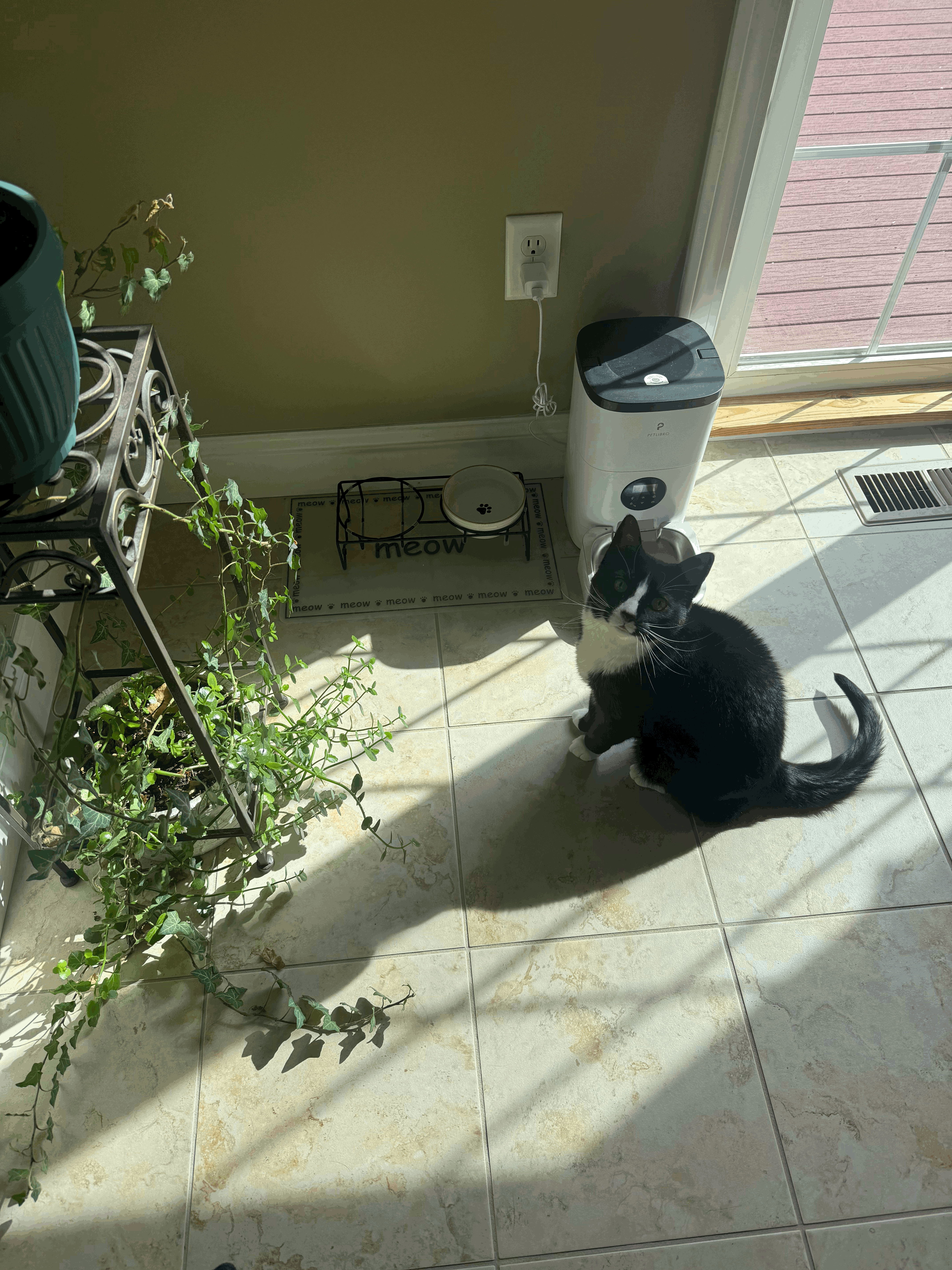
Indexed color scale.
Resources:
ChatGPT: prompt: “Can you write a closing sentence to the paragraph”
Result: “In summary, while reducing the color depth may result in some loss of detail, the image remains visually acceptable with a slightly grainy appearance.
This post was proofread by ChatGPT 3.5.